
 Nokia মোবাইল গ্যালারি
 GDL মোবাইল গ্যালারি
 GEO মোবাইল গ্যালারি
 অ্যান্ড্রয়েড মোবাইল গ্যালারি
.webp) LAVA মোবাইল গ্যালারি
LAVA মোবাইল গ্যালারি
 BENCO
BENCO
 ALL বাটন ফোন
 Honor
Honor
 VIVO
VIVO
49%
ছাড়
বিস্তারিত
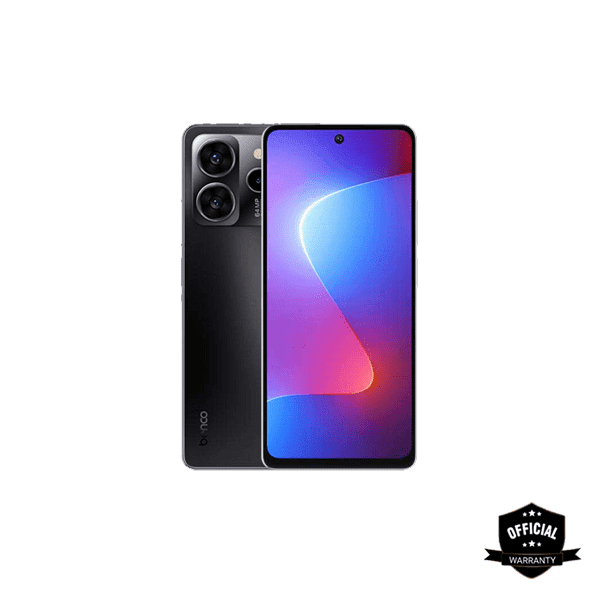
How to Flash Stock ROM Benco GB222 Phone:
Download the Benco GB222 flash file firmware.
Install the Benco GB222 USB driver on your computer if you don’t already have one.
Open the Benco GB222 flash tool (CM2/Miracle Box).
Remove and reinsert the Benco GB222 battery.
Select the downloaded flash file in the tool and click “Write Flash”.
Connect your Benco GB222 to your computer with a USB cable and press the boot key.
The Benco GB222 will now start flashing. This may take up to 5 minutes.
Wait for the flashing process to reach 100% completion.
Flashing is now complete! The Benco GB222 has been successfully flashed.
Important Notes
Use the latest flash tool for this process.
Back up your data before flashing to avoid data loss.
The stock ROM provided here is from the manufacturer and has been scanned with Malwarebytes Premium for security.
Reviews (0)
Get specific details about this product from customers who own it.
This product has no reviews yet. Be the first one to write a review.
.webp)
.webp)


.jpg)
.webp)


